

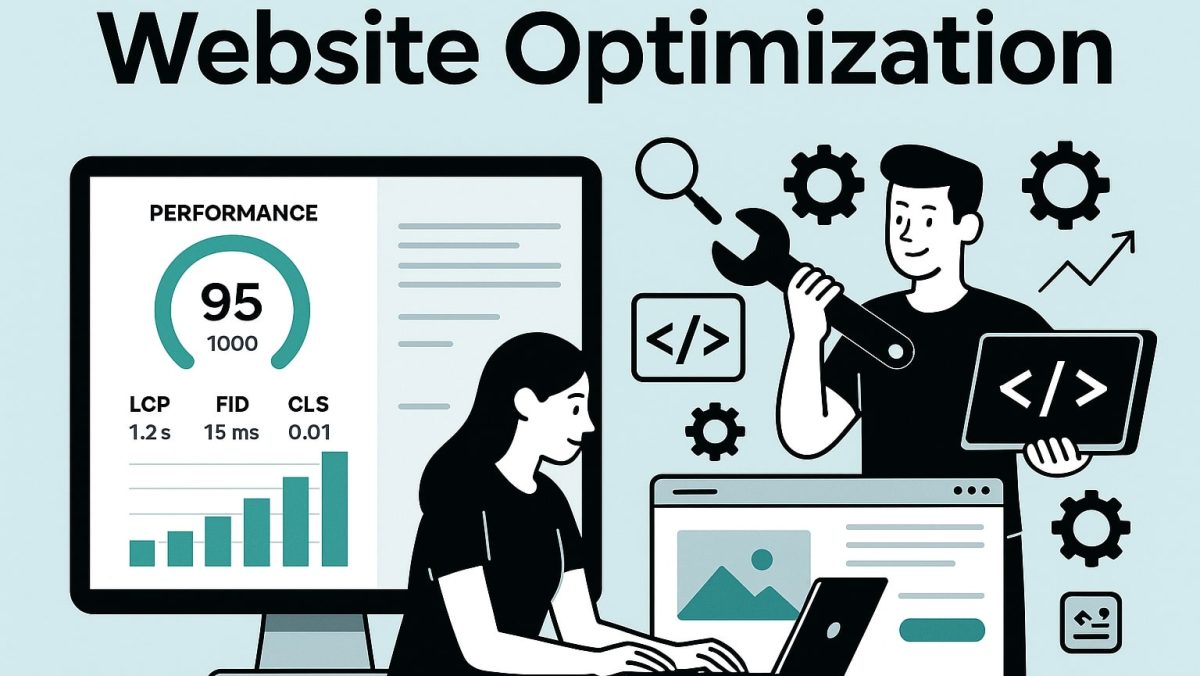
In the fast-paced digital world, a website is often the first point of contact between a brand and its audience. Whether you are a corporate business, an e-commerce store, a non-profit organization, or a personal brand, your website acts as your digital headquarters.
But here’s the truth:
- A slow-loading website makes visitors leave.
- Poor mobile responsiveness frustrates users.
- Low search rankings mean fewer people find you.
- Weak calls-to-action reduce your conversions
Website optimization is the ongoing process of analyzing, improving, and fine-tuning every aspect of your website to maximize speed, visibility, usability, and conversions. This guide will cover everything—from technical performance tuning to content strategy and security—so your website becomes a high-performing business asset.
1. What is Website Optimization?
Website optimization is a holistic process that combines design, development, content, analytics, and marketing strategies to improve the overall effectiveness of your site. It’s not just about SEO or speed—it’s about creating an experience that’s fast, accessible, and valuable for users while also meeting business objectives. Website optimization is one of the most popular services in plusteam.
1.1 Core Objectives
- Performance Optimization: Faster loading and smoother interaction.
- Search Engine Optimization (SEO): Higher rankings and organic traffic.
- Conversion Rate Optimization (CRO): Turning visitors into customers or leads.
- User Experience (UX): Making the site easy and enjoyable to use.
- Security: Protecting data and building trust.
Example:
Think of your website like a physical store. If it’s in a bad location (low SEO), messy inside (poor UX), takes forever to open the door (slow performance), or makes people doubt safety (weak security), visitors will leave.
2. Website Performance Optimization
Performance directly impacts SEO rankings, user satisfaction, and conversion rates. Google research shows:
- 53% of mobile users leave a site that takes longer than 3 seconds to load.
- A 1-second delay can lead to a 7% drop in conversions.
2.1 Improve Loading Speed
- Minify CSS, JavaScript, and HTML – Tools like UglifyJS or CSSNano remove unnecessary characters.
- Enable GZIP or Brotli Compression – Reduces file size by up to 70%.
- Use a CDN (Content Delivery Network) – Distributes content via global servers.
- Optimize Images – Convert to WebP or AVIF formats.
- Lazy Load Media – Load only when content enters the viewport.
2.2 Optimize Hosting and Server
- Choose SSD hosting with high uptime.
- Enable HTTP/3 for faster requests.
- Implement server-side caching with Redis or Memcached.
- Use load balancing for high-traffic sites.
3. Search Engine Optimization (SEO)
SEO is the engine that drives organic traffic.
3.1 Technical SEO
- Clean URL structure – Short and keyword-rich.
- XML Sitemap – Keep it updated for search engines.
- Robots.txt – Guide crawlers on what to index.
- Canonical Tags – Prevent duplicate content penalties.
- Structured Data (Schema) – Enhance search snippets.
3.2 On-Page SEO
- Include primary keywords in H1, first paragraph, and meta title.
- Use meta descriptions to improve click-through rates.
- Add alt text for images.
- Use internal linking to connect related content.
3.3 Off-Page SEO
- Build high-quality backlinks from relevant sites.
- Engage in guest posting and PR campaigns.
- Use social media to drive traffic.
4. Conversion Rate Optimization (CRO)
Traffic without conversions means wasted effort.
4.1 Landing Page Design
- Place clear CTAs above the fold.
- Use trust badges, testimonials, and case studies.
- Minimize distractions—focus on one goal per page.
4.2 A/B and Multivariate Testing
- Test button colors, headlines, form lengths.
- Use tools like Google Optimize or Optimizely.
4.3 Personalization
- Show location-based offers.
- Recommend products based on browsing history.
5. Mobile Optimization
Over 60% of traffic comes from mobile devices. website optimization is important for mobile.
5.1 Responsive Design
- Use fluid grids and flexible images.
- Optimize navigation for touch gestures.
- Keep font sizes legible on small screens.
5.2 Mobile-First Indexing
- Google indexes the mobile version first.
- Avoid intrusive pop-ups that harm UX.
6. Content Optimization
Content fuels SEO, conversions, and brand authority.
6.1 Content Quality
- Be original and provide real value.
- Use a clear structure: intro, body, conclusion.
- Include visuals like infographics, charts, and videos.
6.2 Keyword Strategy
- Research keywords with Ahrefs or SEMrush.
- Focus on search intent (informational, transactional).
6.3 Content Refresh
- Update older posts with new stats.
- Merge similar content to avoid keyword cannibalization.
7. Accessibility Optimization
An accessible website reaches all audiences, including those with disabilities.
Checklist:
- Provide alt text for all non-text elements.
- Ensure color contrast meets WCAG standards.
- Add ARIA roles for screen readers.
- Provide keyboard navigation.
8. Security Optimization
Security affects SEO, user trust, and compliance.
8.1 Basic Security Measures
- Use SSL certificates (HTTPS).
- Keep CMS, plugins, and themes updated.
- Enable two-factor authentication.
8.2 Advanced Security
- Use Web Application Firewalls (WAF).
- Implement DDoS protection.
- Perform regular vulnerability scans.
9. Analytics and Continuous Improvement
Website Optimization is an iterative process.
9.1 Tracking Tools
- Google Analytics 4 – Track traffic and behavior.
- Google Search Console – Monitor indexing and keyword performance.
- Hotjar / Crazy Egg – Understand user interactions.
9.2 Key Metrics
- Load time under 2.5 seconds.
- Bounce rate under 50%.
- Conversion rate above 2%.
10. Tools for Website Optimization
- Performance: GTmetrix, Pingdom
- SEO: Ahrefs, Moz, SEMrush
- CRO: Google Optimize, Optimizely
- Accessibility: WAVE, Axe
- Security: Sucuri, Cloudflare
11. Common Mistakes to Avoid
- Keyword stuffing.
- Ignoring mobile users.
- Neglecting analytics.
- Using large, uncompressed images.
- Choosing cheap, unreliable hosting.
Conclusion
Website optimization is not a luxury—it’s a necessity. By focusing on performance, SEO, CRO, mobile readiness, accessibility, and security, you can transform your website into a powerful marketing tool that drives traffic, engages users, and boosts conversions.
It’s a continuous process—measure, test, and improve regularly. In doing so, you ensure your website remains competitive, relevant, and profitable.
